
MoonfishMoonFishOps

Add Moonfish MoonFishOps to Square and your register stops being a cash box and becomes the payment layer of a complete operating system — one that plans your labor before the week starts, routes every order to the right employee, paces the kitchen, runs your events and website, and tells you what everything actually cost.
Square knows what rang up — never what it cost, who poured it, or whether the kitchen could keep up. MoonFishOps already runs your invoices, inventory, floor, kitchen, events, website and people. Connect the two and every sale carries its cost, its inventory hit, its accounting entry, and the crew behind it. That connected data underneath is the moat.
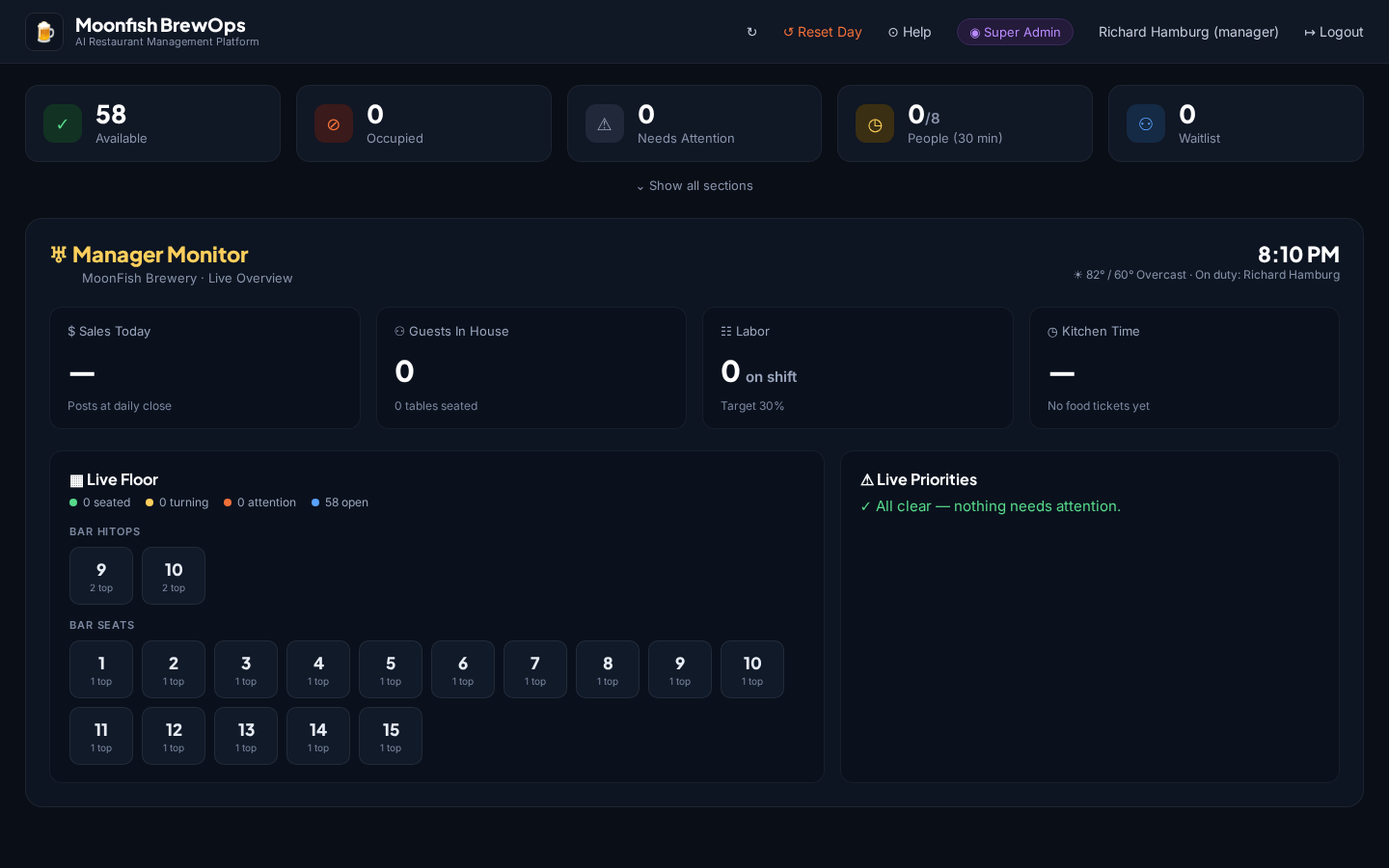
Most restaurant dashboards are full of reports you still have to interpret. The Manager Monitor is built around a single question. Walk onto the floor, glance for ten seconds, and you know the restaurant's health, the issues that need you right now, and the action to take — no report-reading required.
Sales, guests in house, labor against target, and kitchen pacing sit across the top — live and refreshing on their own every few seconds. Below them, a color-coded live floor and a Live Priorities list surface exactly what needs a manager's eyes, in plain language.
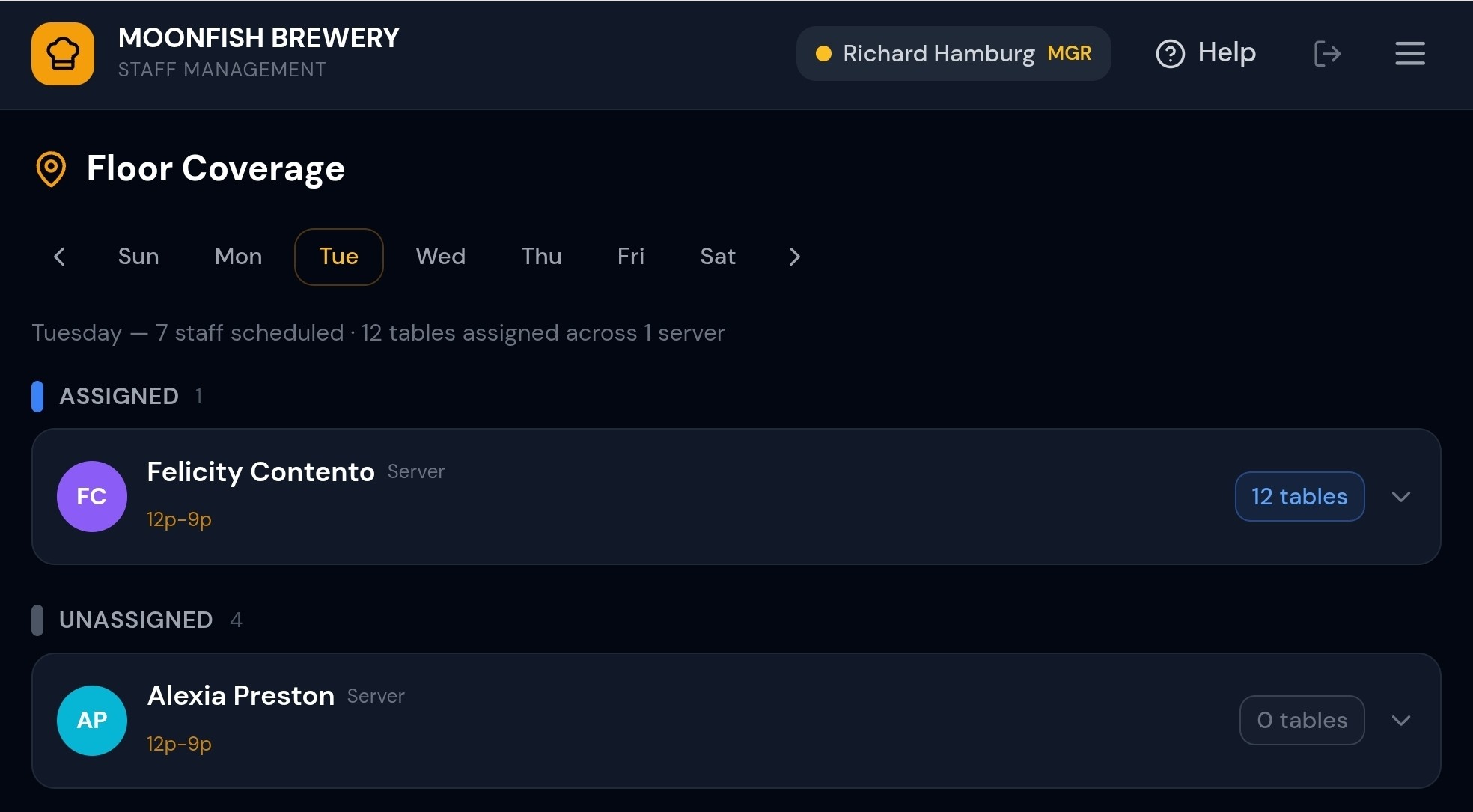
Every table is mapped to its server, bartender, and barback/busser. The moment an order lands — guest QR or server POS — the system already knows who's responsible. Square sees a transaction; the floor plan sees a table, a team, and a job to be done.
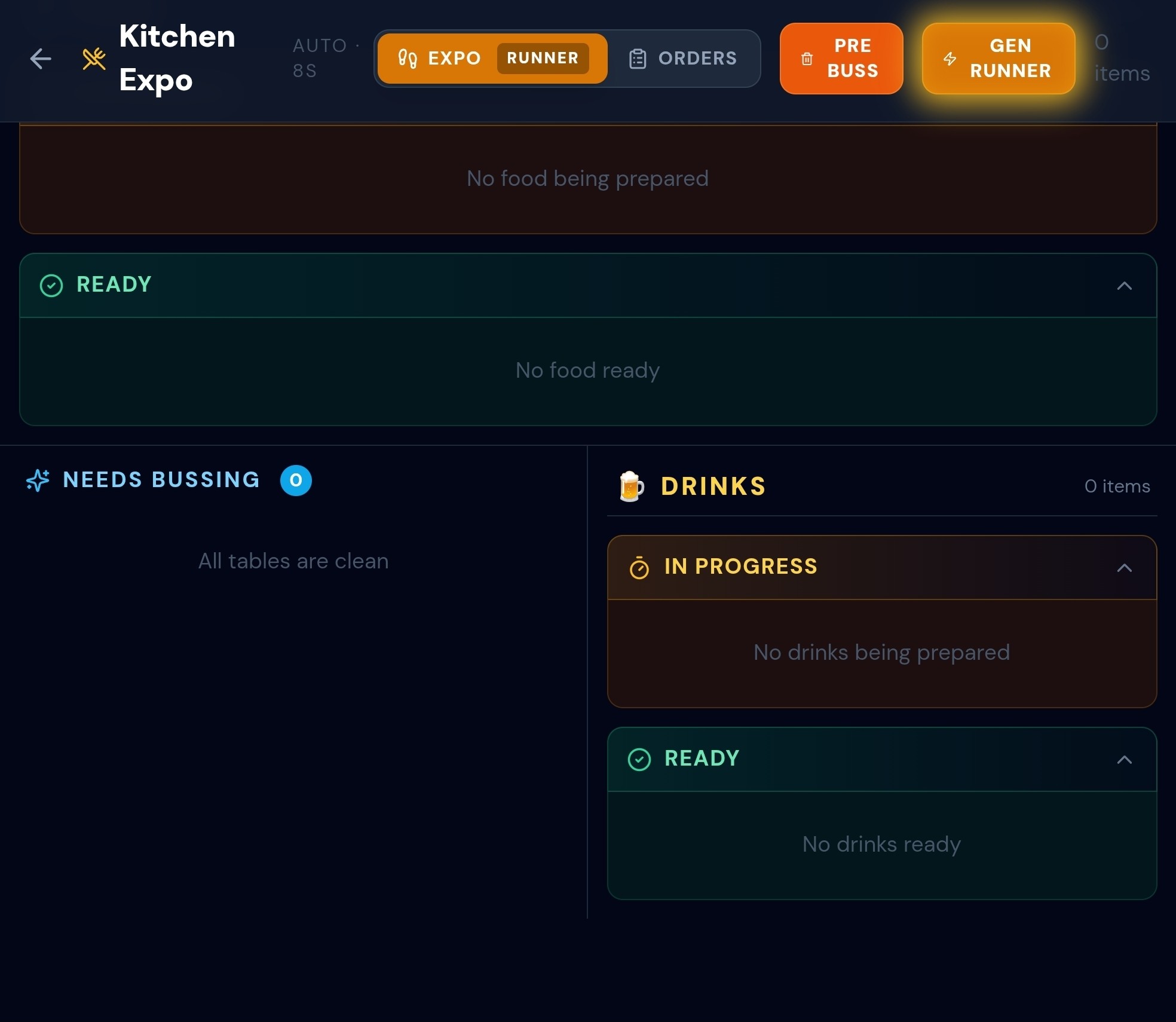
Tell the system one honest number — how many plated meals your kitchen can push out every 15 minutes — and a dead-simple speedometer shows whether your current mix of full-service tables is Comfortable, Near capacity, or Over capacity for a Slow, Medium, or Busy service. When you're in the red it tells you exactly how many tables to convert and one Apply button flips them automatically — protecting your highest-value tables first.
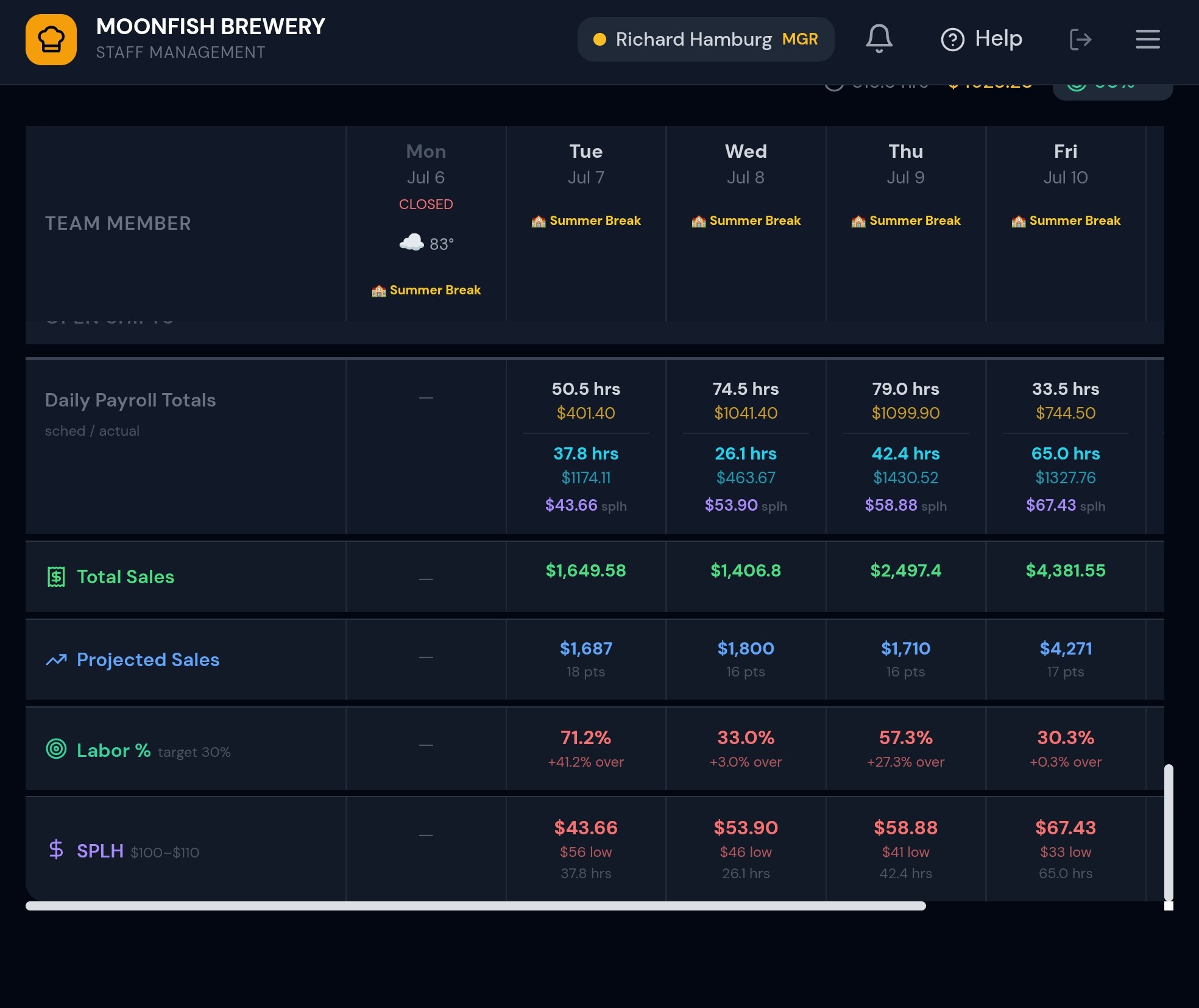
Labor is the cost you can actually control, and MoonFishOps lets you control it ahead of the shift, not on the P&L two weeks later. The scheduler builds every week around what really drives demand.
Square tells you what labor cost after the fact. MoonFishOps tells you what it will cost while you're still deciding — and lets you fix it before a single hour is worked.
Most cost-control tools only pay off after someone hand-builds every recipe and links each ingredient to a purchased item — days of tedious mapping before a single number appears. MoonFishOps flips that: you get an honest read on food and pour cost from day one, and refine it only where the dollars justify it.
One page, two lenses on the same question: “are we using more than we should?” Zoom out to see which category is bleeding margin, then zoom in to the exact product driving it.
Every item Square rings up is exploded through its recipe into ingredients and drawn straight out of live stock — automatically, every time sales sync. Not a once-a-period spreadsheet exercise, but a running, perpetual picture of what’s actually on your shelves.
Point MoonFishOps at your menu and it generates the recipes for you, automatically attaching them to the major cost items you actually purchase — so theoretical costing works out of the box, not after weeks of data entry.
You get a true understanding of item cost immediately. Fine-tune any individual recipe by hand for precision where it counts — but you’re never forced to touch every line to see real numbers.
No mapping marathon before the tool earns its keep. Connect Square, import your menu, and the cost picture is live — then it only gets sharper as counts and sales roll in.
Every dollar Square records is matched to vendor invoices and live inventory depletion — so you see true cost, not just revenue.
The day's Square totals stage cleanly into your accounting — no midnight spreadsheet reconciling four exports by hand.
Every item sold draws down stock automatically, so a busy Saturday tells you exactly what to reorder Monday.
Private parties get their own curated menu and a documented agreement — not a scramble of hand-typed comps.
Availability is real — the booking page only offers slots when tables are truly open. Guests pick a seating preference (windows, patio, high top, bar) and the system auto-assigns the best match. Large parties get table combos built automatically. Event-held tables can’t be double-booked. Works for every restaurant.
The crew on your floor plan are the same people whose certifications, onboarding and policy acknowledgments live in the system.
Type “beef patties” and MoonFishOps surfaces every invoice from every vendor that ever supplied it — who you bought from and what each charged. Ordinary invoice search only looks up an invoice number and filters one vendor at a time; it can’t answer “who supplies my beef patties, and where’s it cheapest?”
One click and the report explains itself — which costs rose, why (traced to actual invoice price changes), and what to do about it. Vendor savings are calculated automatically: “Switch your fry oil supplier and save ~$200/mo.” Every number comes from your real data; the AI narrates, it never invents.